- Open the front cover.
- Remove the paper exit tray [A].
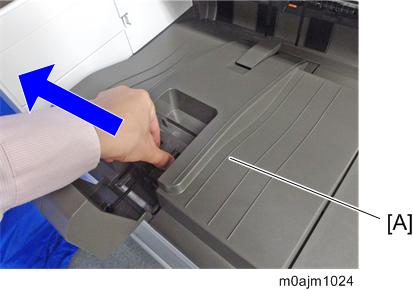
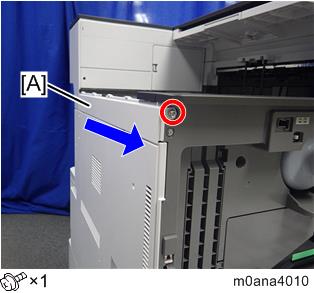
Remove the left upper cover [A].

- Slide the cover in the direction of the blue arrow.
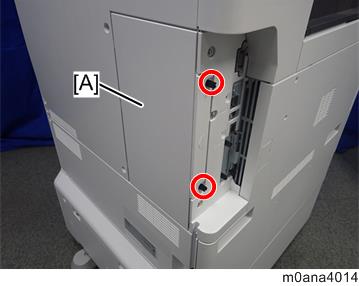
- Remove the rear left cover [A] (coin screw x 2).
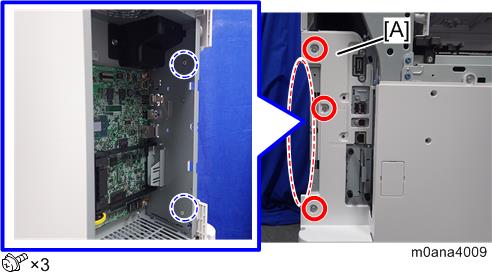
- Release the two bosses at the back, and remove the controller cover [A].
- Open the 1st and 2nd paper feed trays slightly.
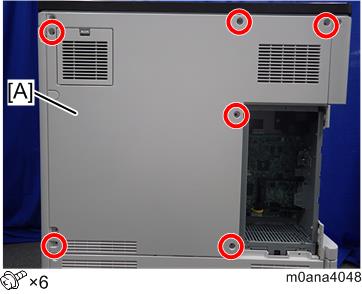
- Remove the left cover [A].
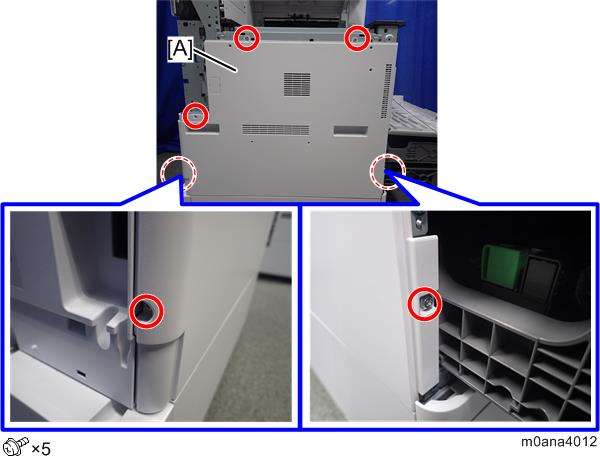
Remove the rear cover [A].
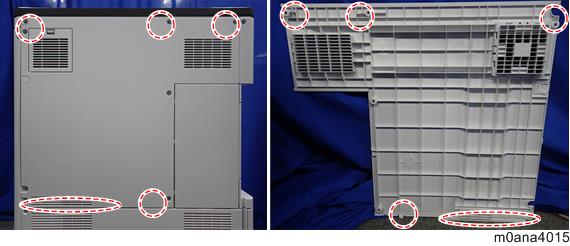
Each part enclosed by a red dotted circle has a tab. Be careful not to damage it when attaching and detaching.
- Remove the rear lower gap cover [A] (hook×2).
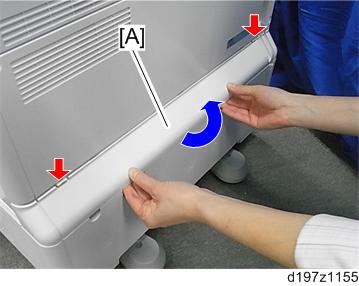
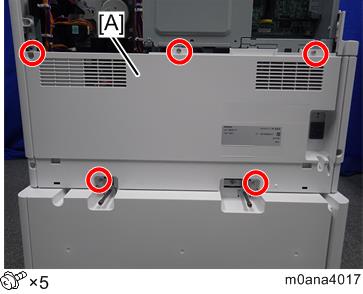
- Remove the rear lower cover [A].
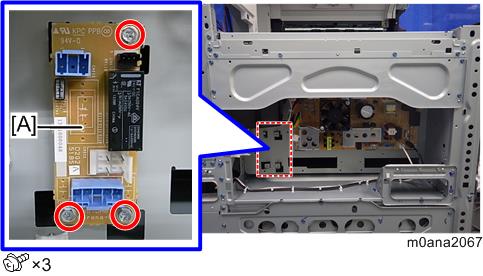
- Attach the heater board [A].
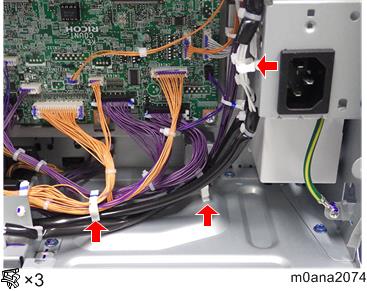
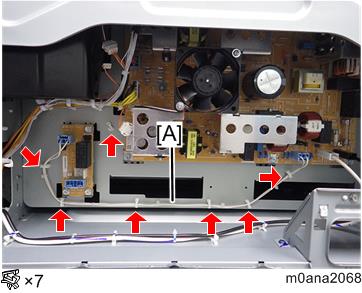
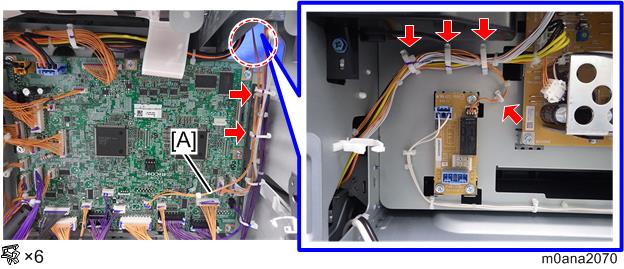
- Attach the clamps (LWSM-0306A). Connect the PSU harness [A] to CN904 of the PSU and CN920 of the heater board, and clamp the harness [A].
- Connect the BCU harness [A] to CN121 of the BCU and CN930 of the heater board.
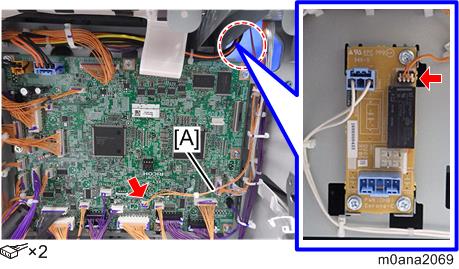
- Clamp the harness [A] which was connected in step 13.
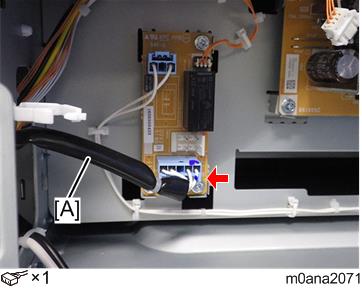
- Connect the PFU harness [A] to CN921 of the heater board.
- Attach the socket on the PFU harness [A] to the rear frame of the main unit.
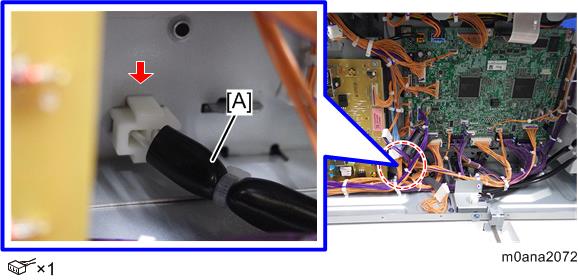
- Connect the connector.
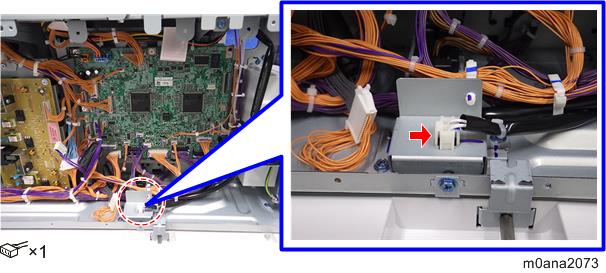
- Clamp the PFU harness.